
Configure localized application settings inside the mothership-byok-credentials documentation profile to verify environment access boundaries. By managing user parameters, system IDs, and Bring-Your-Own-Key variables natively from the dashboard panel, you preserve secure communication lines across back-end Firebase servers while maintaining runtime control.
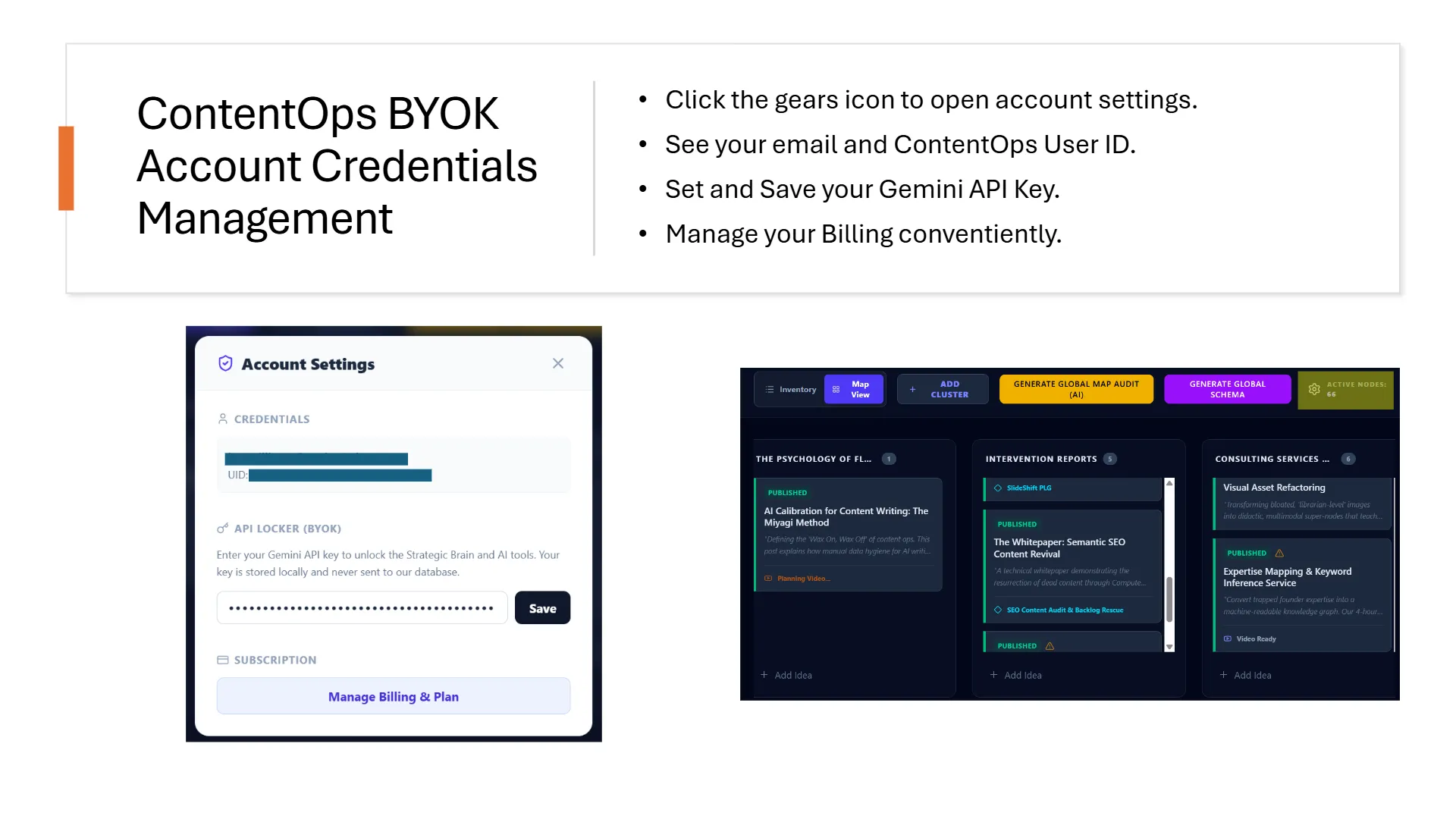
1. Calibrating the Bring-Your-Own-Key (BYOK) Data Window
To power the automated auditing suite and run real-time schema generation prompts without middle-man usage markups, ContentOps operates on an isolated BYOK infrastructure layer. Operators input their proprietary AI keys directly within the account dashboard settings view. This value is encrypted locally within your client session parameters and transmitted securely to back-end models only during active mission runs, allowing your development team to monitor processing usage limits directly from their master workspace console.
2. Managing Core User IDs and Subscription States
The dashboard view provides transparent visibility over your operational account data structures. The account frame maps your canonical registry parameters—displaying your primary user ID strings, account configuration tokens, and secure subscription states. If database synchronization errors lock your editor or require credentials reset, you can flash the environment clean from this control screen, manage subscription billing plans, or re-verify your Firebase connection to restore your knowledge graph pipeline instantly.