
Calibrate your underlying metadata architecture to manage monetization loops by executing targeted conversion-vectors-core-vs-transitional field updates. By programming coreOfferId and transitionalOfferId values into node attributes, you instruct your copywriting models to seamlessly weave intent-based bridge structures into your paragraph logic.
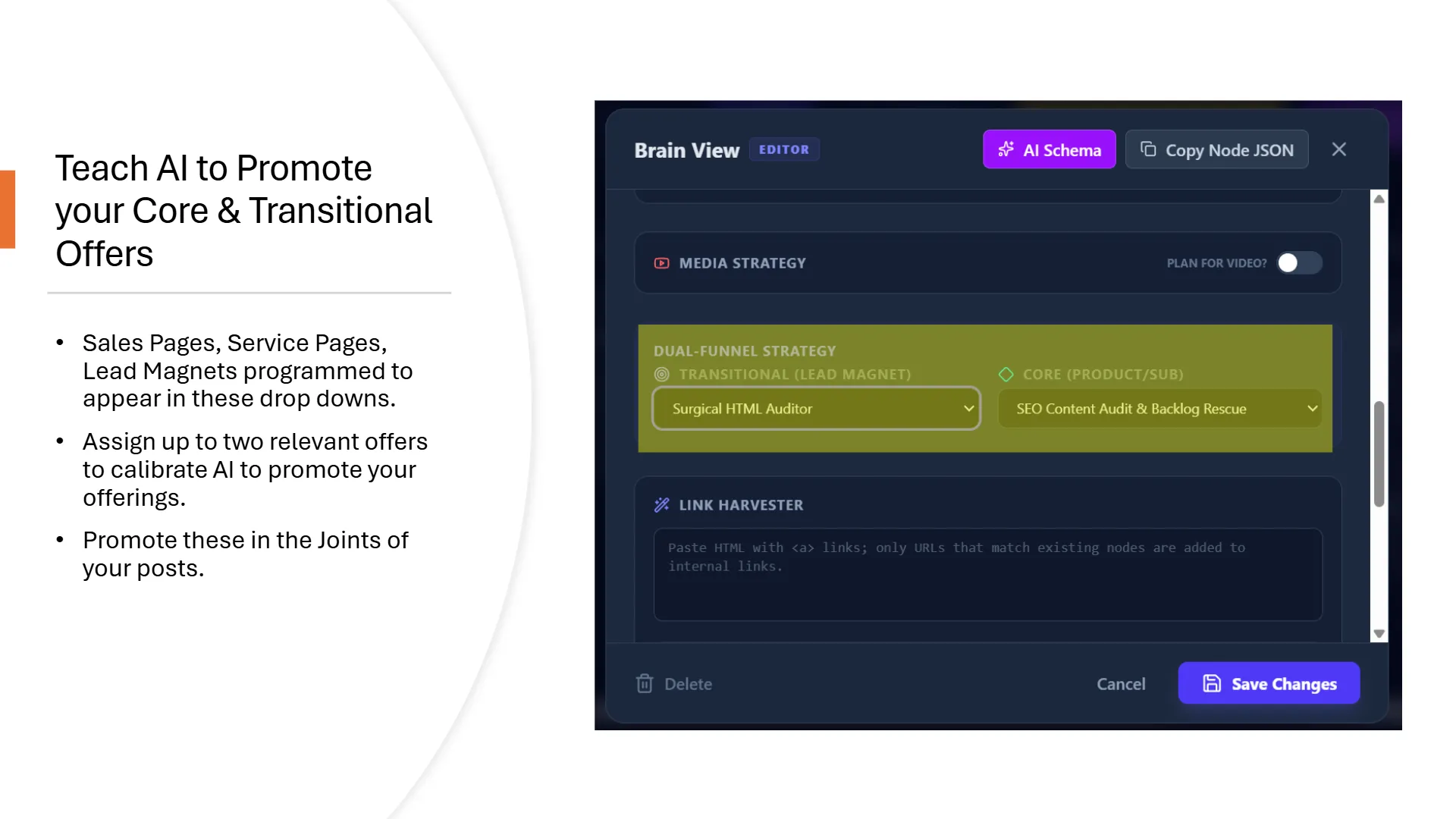
1. Mapping the Dual-Conversion Funnel Matrix
Most content operations stall because their articles dump a rigid, generic sales link exclusively at the absolute foot of the document text layout. Experienced operators abandon this linear trap. Inside the system node configurations panel, every page can be programmatically wired to two unique transaction points via standard automated dropdown controls:
- The Core Offer: Your primary, high-intent macro commercial solution—such as an enterprise software access pass or specialized custom services like our Topical Authority Map Build or Backlog Rescue tracks.
- The Transitional Offer: Your low-friction, top-of-funnel conversion bridge designed to capture technical operators experiencing an immediate crisis—such as free diagnostic tool lines, consultation calendar scripts, or interactive calculators.
2. The Contextual Bridge Inversion Prompt
To implement this dual-funnel alignment automatically during live creation, you must append your prompt configurations to instruct your AI writer to read your metadata variables. Drop this baseline token instruction block into your overarching template conductor session:
[CONTEXT WORKFLOW: SEMANTIC OFFER realignMENT]
You are a structural content editor node. Read the attached JSON node properties.
Isolate the "coreOfferId" and the "transitionalOfferId" parameters.
Do NOT stick copy-paste advertisement links as unstyled strings at the base of the page.
Instead, read the core intent of our sections to write semantic "Bridge Sentences".
Weave transitions naturally between paragraphs, establishing the logical reason
the reader requires the transitional utility before hitting our primary platform path.
Frequently Asked Conversion Questions
How do I make my core or transitional offer service links visible to the dropdown selectors within an individual node configuration modal window?
Landing Page, Offer, or Conversion structures. Ensure your conversion page nodes carry these strict cluster values to populate selectors.