
AI Content Workflow // The Monologue First Method
How to Make AI Write Like Me: The Monologue First Workflow
You have given your AI your style guide, your writing samples, your StoryBrand report, and your content guidelines. The output is better than it used to be before you started implementing all those tactics, but it still does not sound like you when you are actually thinking through a problem. Here is why that happens and how the Monologue First Workflow closes the gap.
The WordPress Draft That Has Been Sitting There for Two Years
I want to tell you about a WordPress draft that I will never publish. It has been sitting in my posts folder for two years because I cannot put my name next to it, and I cannot edit it either, since the whole thing is one monolithic block where the headers, images, and paragraphs are locked together. Touch one piece and you break the whole layout chain.
I wanted to try out an automated AI blogging tool off AppSumo. I gave it a list of topics and keywords, it researched the subject, and it wrote an article calibrated to compete on keyword density, header count, and word count. It executed all of that mechanically, yet what it produced was completely inhuman because the tool had no idea what I actually thought about the topic, what angle I would take, or what story I would tell. It optimized for the checklist instead of the argument.
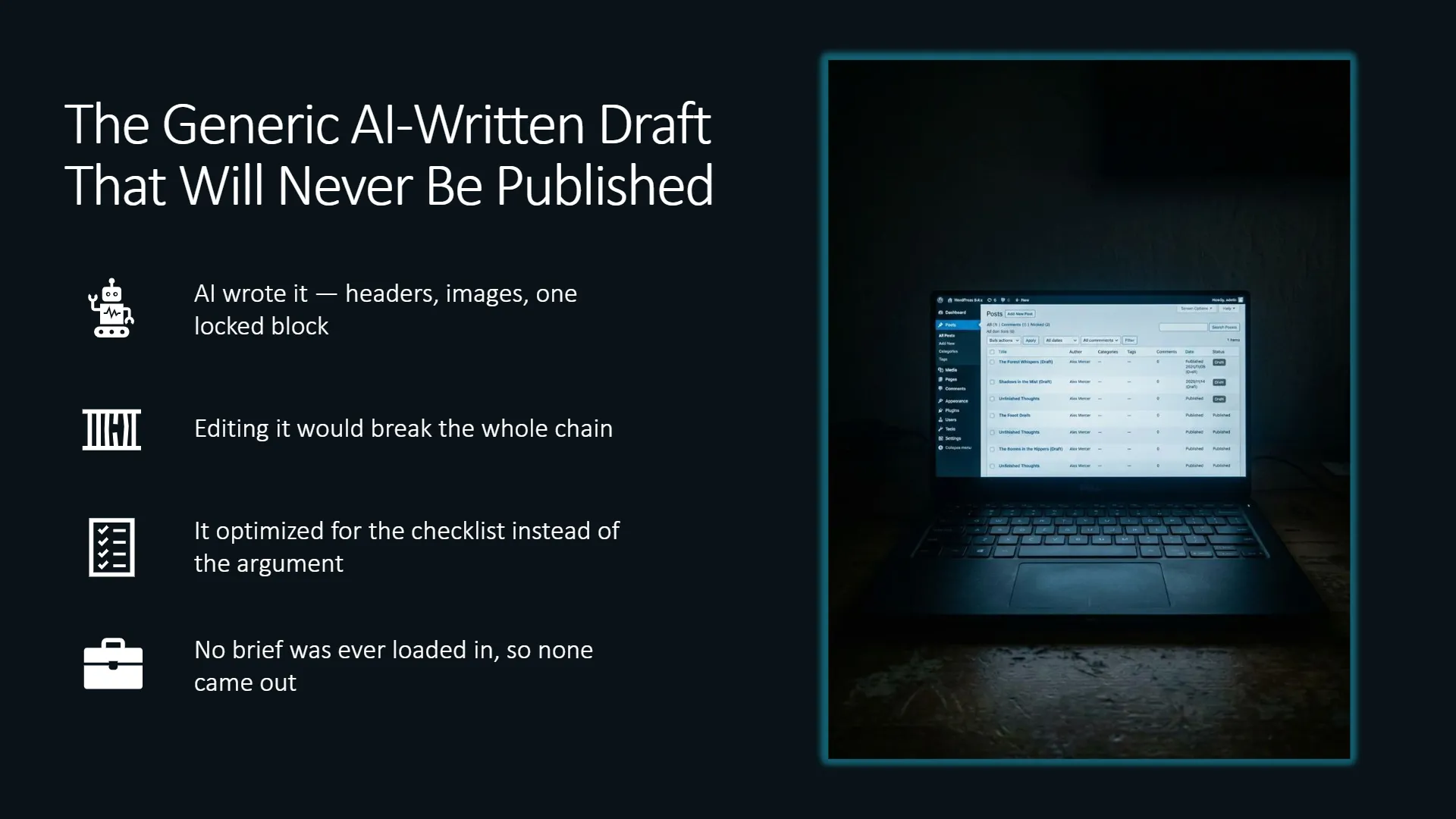
That post is the core reason why my first AI writer draft is still unpublished. It represents the version of AI content creation that most people try first. You automate the whole process only to discover that the output is something you would be embarrassed to have your audience read.
If you have been through a version of that experience, this guide is for you. Not because I am going to tell you to abandon AI, but because I am going to show you where the specific gap lives and how to fill it with a single additional step that costs you nothing except a walk to your office.
The 70% Ceiling and Why Your Style Guide Hits It
Here is the honest version of what your grounding documents do for your AI. When you give your AI a StoryBrand report, writing samples, humanized content guidelines, and a brand vocabulary document, you teach it how you write. You give it your sentence structure, your vocabulary, your tone, the content themes you return to, and the way you open a paragraph. That is real and it matters; it moves the output from generic to recognizable.
Beyond the Basics: High-Function English Constraints
To break through the standard AI prose mannerisms, your grounding style guide must actively enforce higher-function English framing. AI models naturally default to bulleted key-value pairs, colon-heavy section setups, em-dashes, and semi-colons. A calibrated style guide counteracts this by requiring action verbs, active relative clauses, logical conjunctions, cleft sentences for emphasis (e.g., “It is not speed that creates leverage, but structure”), and fronted negative adverbials (e.g., “Rarely does automated copy build true authority”). This mechanical constraint forces the LLM out of predictable syntactic paths.
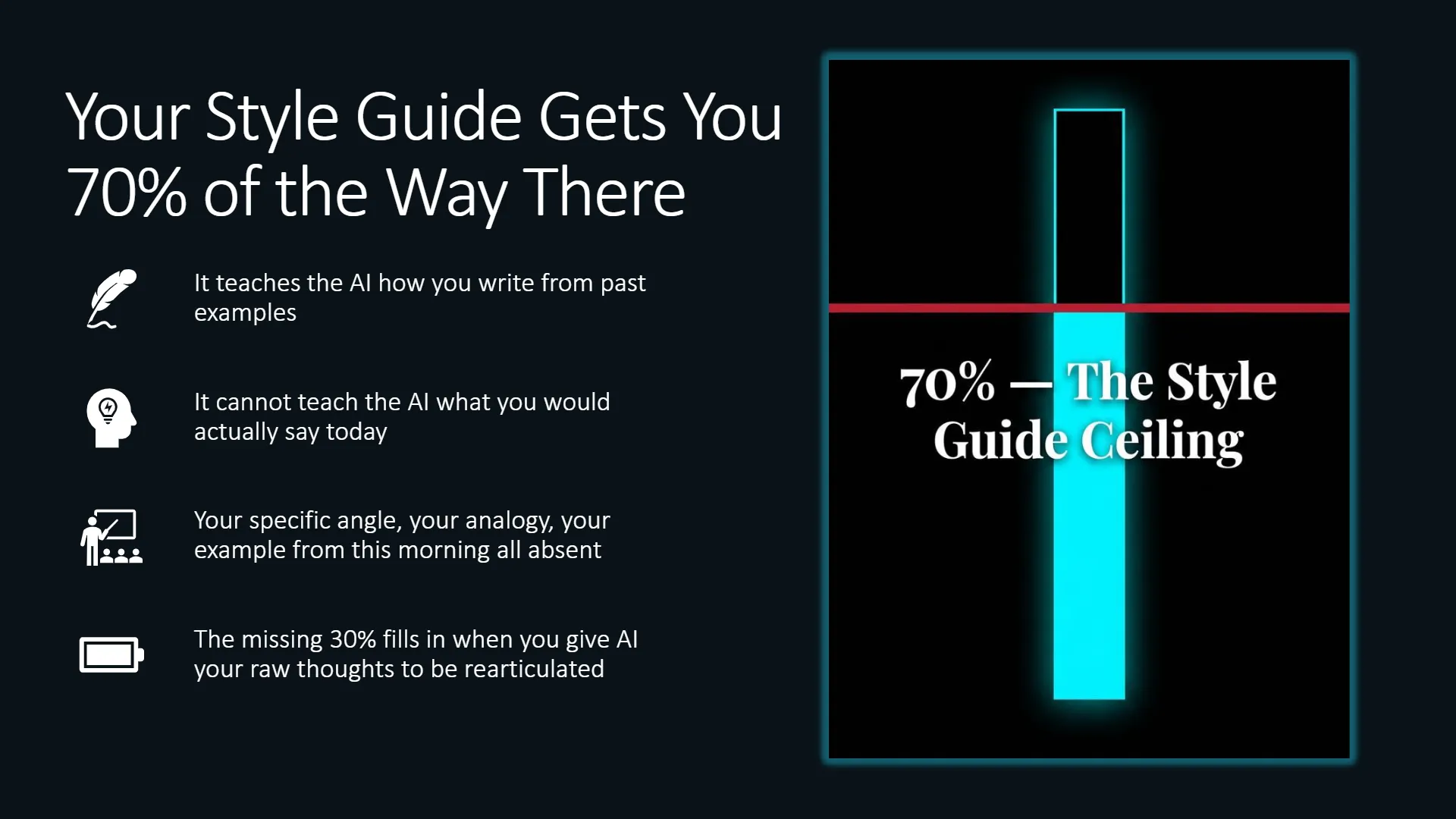
However, style guidelines still hit a 70% ceiling. The remaining 30% is not a writing style problem so much as a perspective problem. Your grounding documents cannot supply an angle you have not recorded anywhere. They cannot give the AI the exact way you would explain this specific topic to a specific client on a specific morning because you thought of a better analogy while making coffee. That perspective only exists after you have spoken it into existence.
Ken Marshall, founder of Meet Sona, names the upstream problem underneath that ceiling more clearly than almost anyone else in this space. The real danger is not that AI writes badly. It is that people stop practicing their own verbal identity in the moments of silence and discomfort where original thinking actually happens. When you outsource your first-draft thinking to AI before you have captured what makes your reasoning distinctive, you are not just skipping a step—you are atrophying the muscle that produces the 30% your style guide cannot supply.
Verbal identity is what the monologue captures. No style guide can do that job because a style guide describes how you write after the thinking is done. The monologue captures the thinking while it is happening.
Where the Monologue Actually Comes From
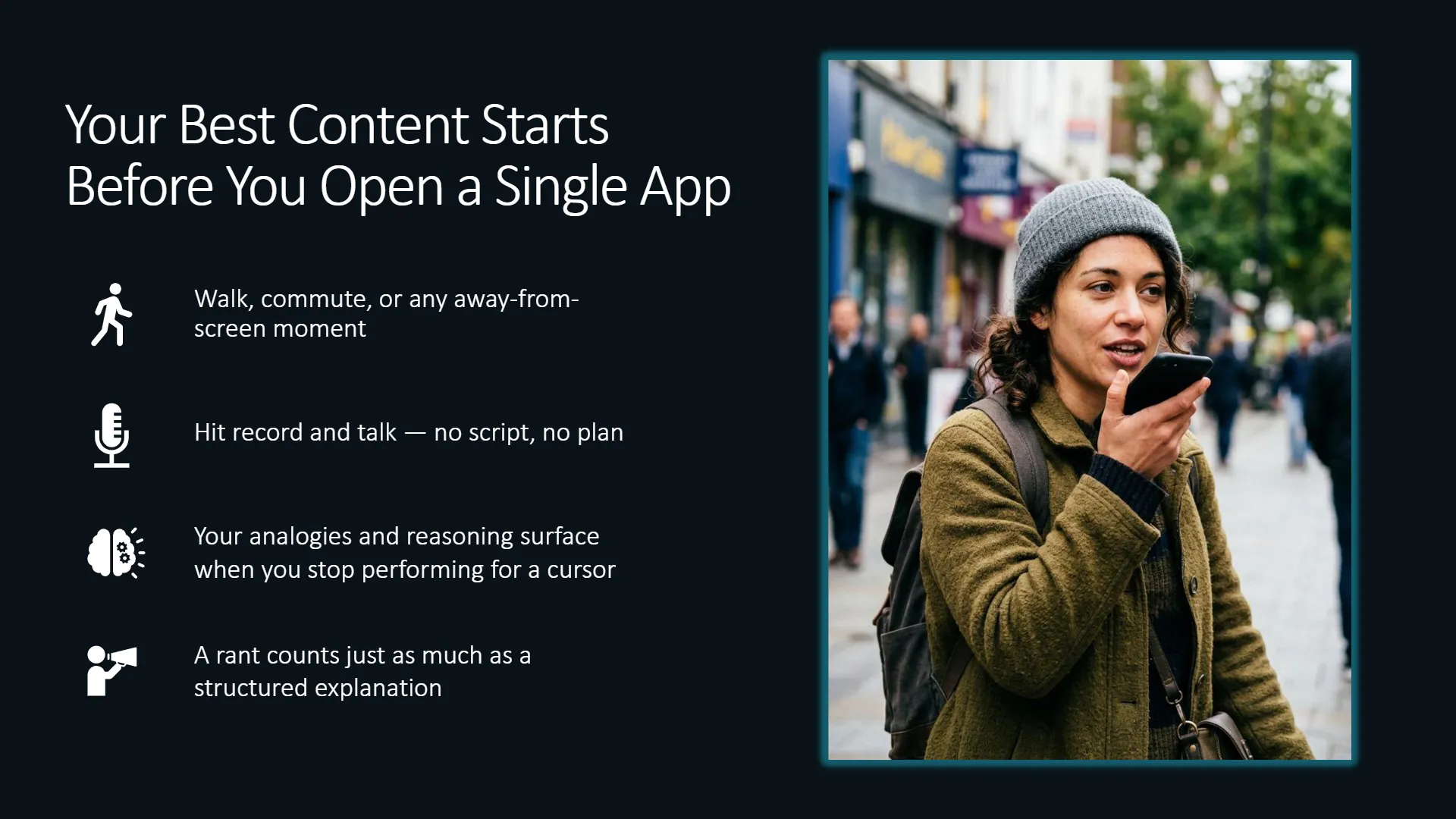
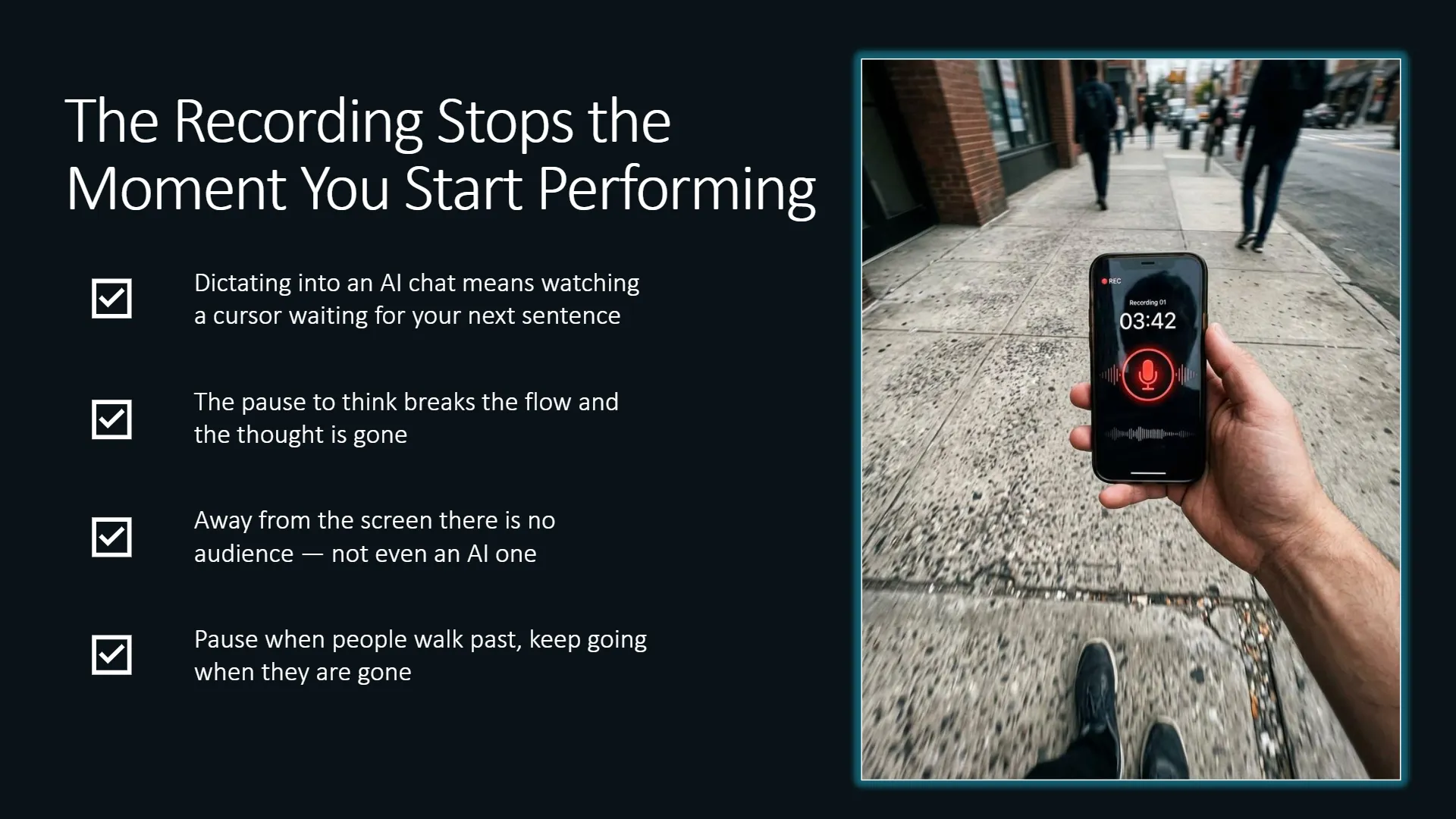
The best place I have found to record a monologue is on my walk between home and my office. There is no script and no plan. I open a speech-to-text app, hit record, and talk about whatever I am planning to write about that week. When someone walks past me on the street, I pause. When they are gone, I keep talking. The app keeps running the whole time.
Sometimes what comes out is a structured explanation of an idea. Sometimes it is a rant. Both are useful because both contain something that the AI cannot generate without them: my specific reasoning about this specific subject at this specific moment. The analogy I reach for, the example I use, the counterintuitive point I want to make, or the thing I disagree with that everyone else in my space seems to accept without questioning. All of that makes it into the recording, wild and unfiltered.
You do not need to walk to an office to record a monologue. You can use a commute, a run, or any moment where you are away from a screen and your mind is loose enough to think rather than perform. What matters is that you record it away from the AI chat window.
Pro Tip: A rant counts. If you are frustrated about a misconception in your field and you record five minutes of that frustration, you have a monologue. The perspective and the edge are already in there. You do not need to clean it up before you use it.
Why You Cannot Record the Monologue Inside the AI Chat
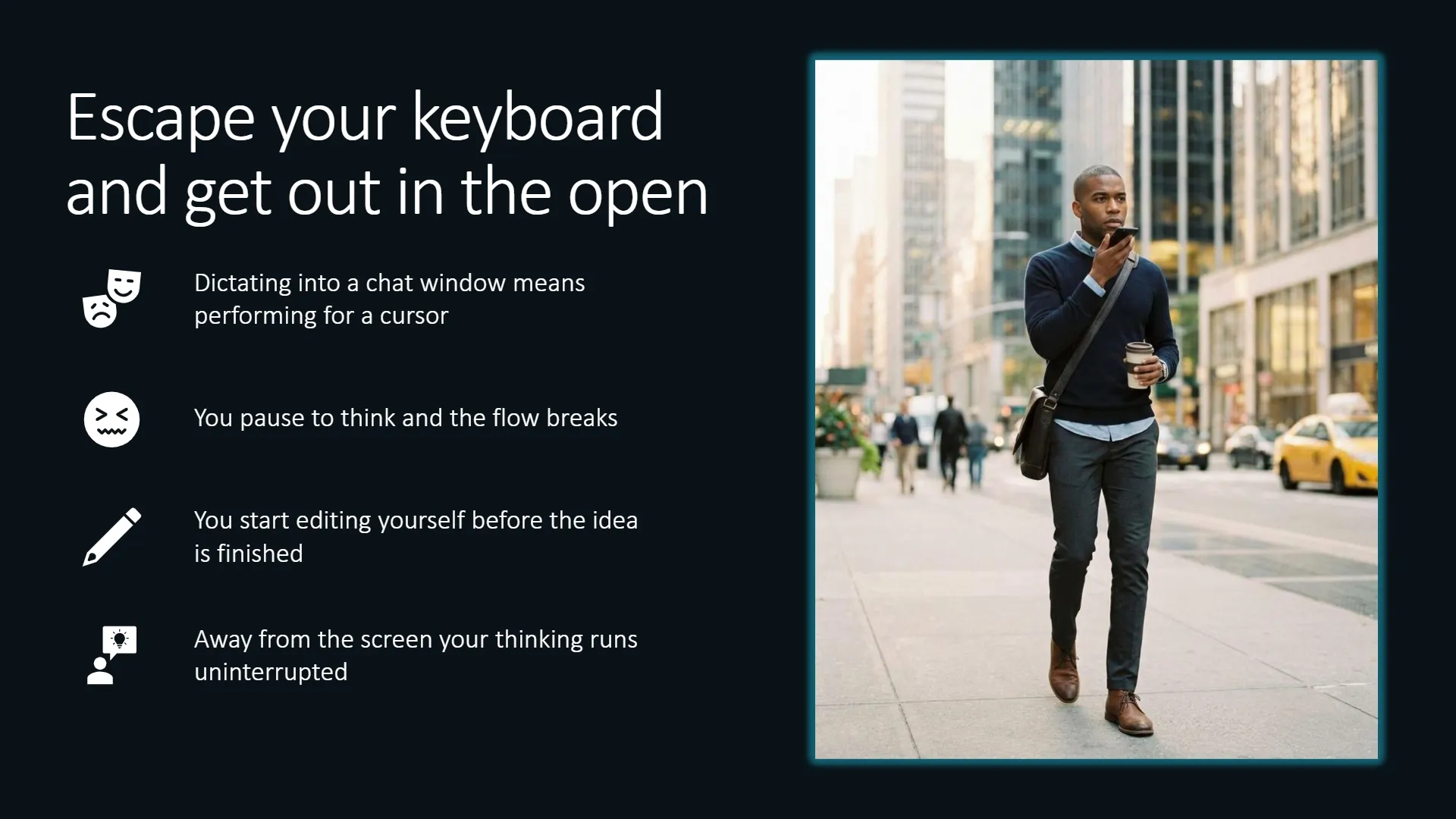
Before I started recording monologues separately, I used to dictate directly into the AI chat window. I would open the microphone inside the chat and talk through my ideas while the AI listened. It worked up to a point, but dictating into a chat window creates performance pressure.
When you dictate into an AI chat, you are watching the cursor and waiting for your next sentence to sound polished. If you pause to think, the recording stops. If your pause is long enough, you have to type a prompt to restart the context, and by that point you have lost the flow of the thought you were trying to capture.
Recording away from the screen removes that performance pressure. You can stop mid-sentence, restart, contradict yourself, change direction entirely, or trail off while finding the right word. All of that is fine because the goal is not a clean transcript but to capture your reasoning such that the AI will process it and rearticulate it later. The messier and more specific it is, the more useful it tends to be.
The 3-Chat Separation: Strategist, Writer, and SEO Auditor
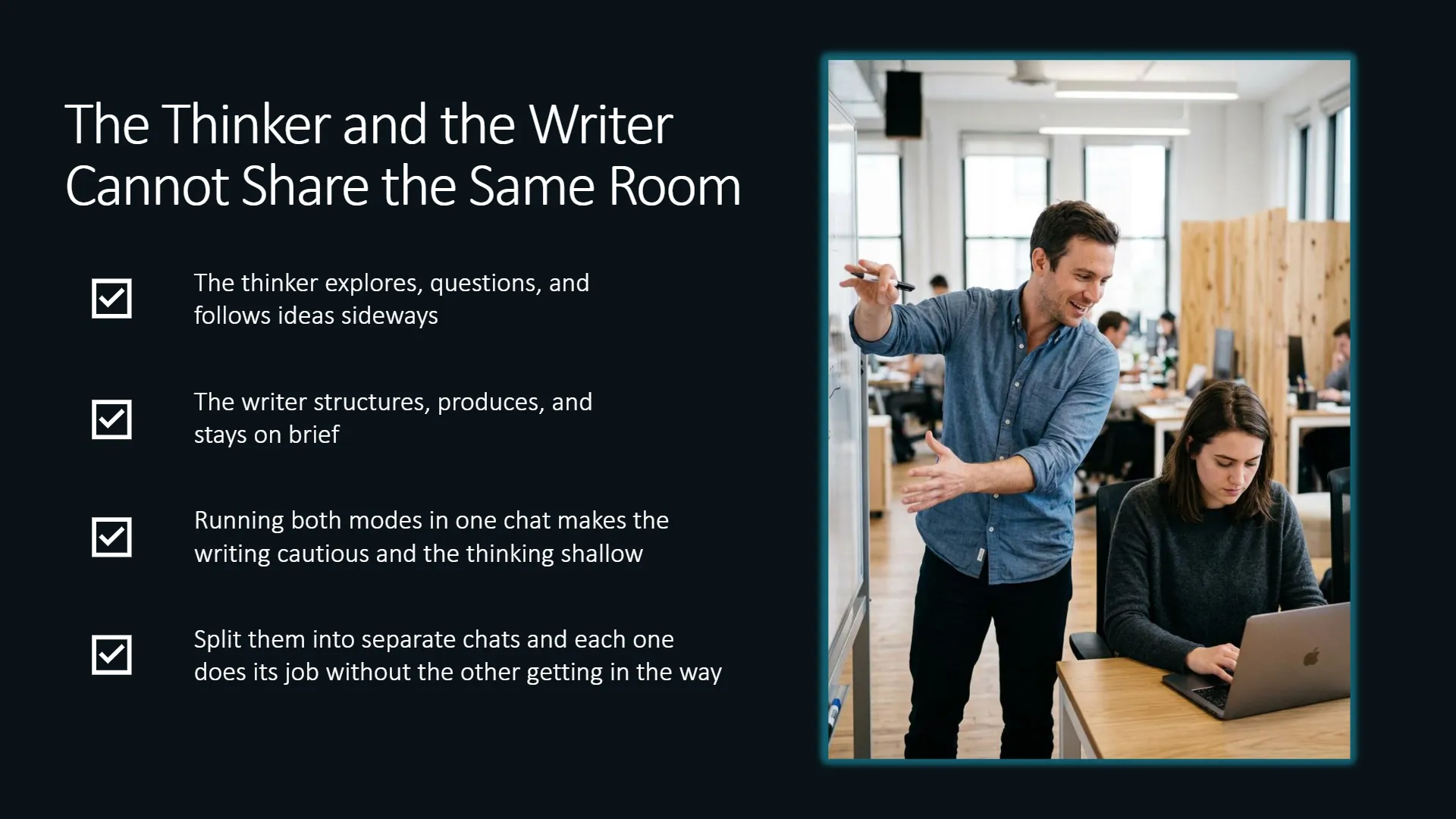
Understanding instruction hierarchies inside language model systems reveals why splitting your workflow across separate, dedicated chats is critical. This is the difference between simple prompt engineering and true context engineering:
| Instruction Level | What It Controls | Where Your Work Goes |
|---|---|---|
| System Instructions | The Frame: General behavior, brand rules, and persistent memory. | Grounding documents live here: StoryBrand report, writing samples, high-function English rules, and the JSON Topical Map file. |
| Developer Instructions | The Structure: Role boundaries preventing cognitive bleed across tasks. | Chat-level instructions defining the role (Chat 1: Strategist, Chat 2: Writer, Chat 3: SEO Auditor). |
| User Prompt | The Task: Live execution input for a single piece. | The specific content brief, raw monologue transcript, and target node payload land here. |
You do not execute all of this in one chat session because the strategist, the writer, and the auditor represent distinct cognitive modes. Mixing them causes role confusion and dilutes quality.
The Topical Map as a Living Grounding Document
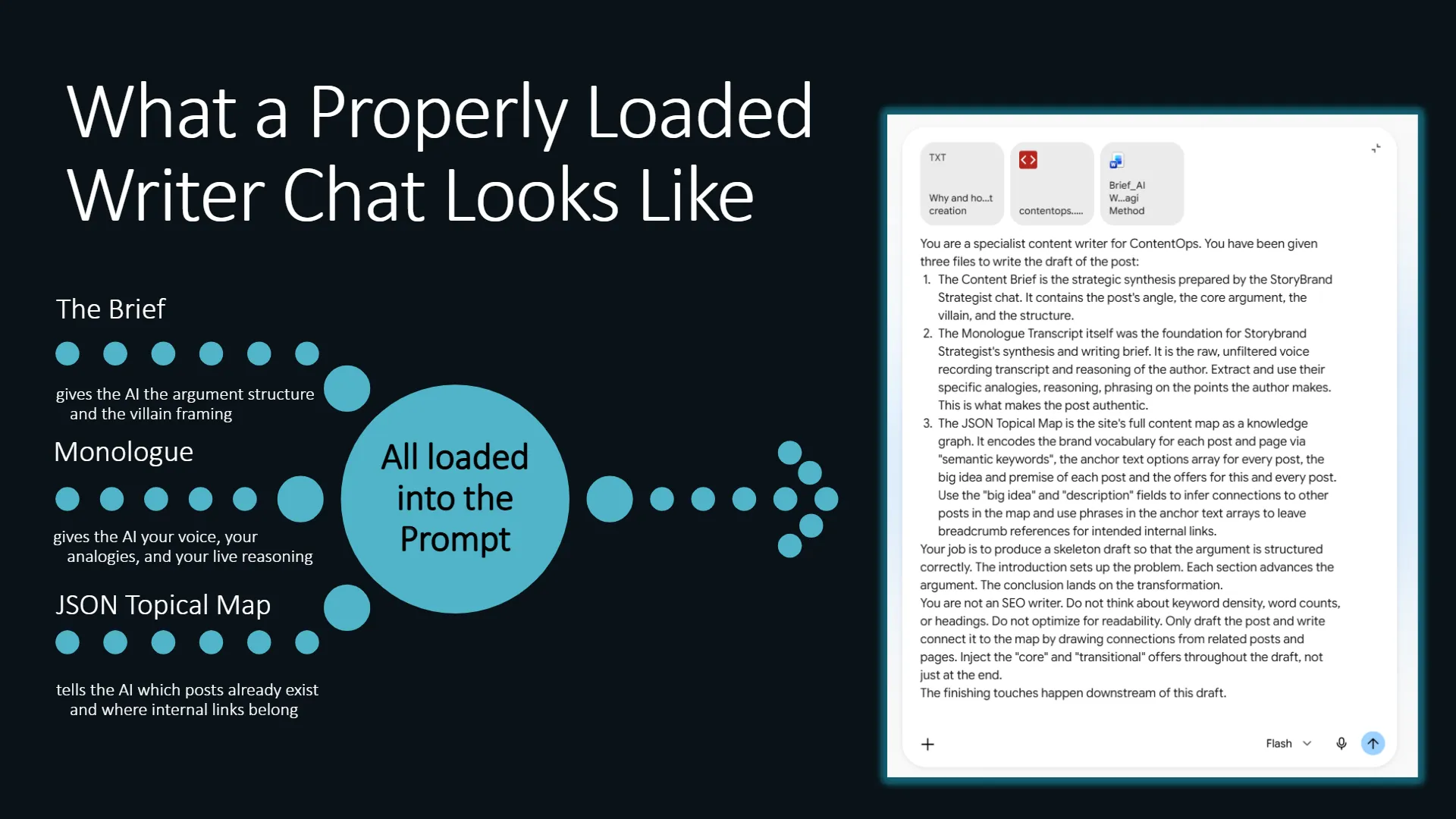
Alongside your StoryBrand report and style guide, your JSON Topical Map file acts as a foundational grounding document. This JSON file encodes the exact brand vocabulary for every node in your strategy. It enforces strict discipline in your anchor text options both when linking out to peer nodes and when accepting incoming links from the rest of your domain. It gives your Strategist Chat full site context, helps your Writer Chat produce “connected” copy that tees up the internal links to your other content rather than writing solely for that post leaving an isolated island post. Furthermore, the topical map allows your SEO Chat to see exact breadcrumbs for internal linking in addition to auditing your post against the rest of your map.
Chat 1: The Strategist (Brief & Map Alignment)
Your StoryBrand Strategist Chat receives the raw monologue transcript alongside the target node payload from your JSON Topical Map. It extracts your core thesis, identifies your information gain, aligns the target keyword and offers, and outputs a structured content brief.
Chat 2: The Writer (Reasoning + Brief)
Many operators make the mistake of passing only the brief to their writer chat. The brief tells the writer what to argue, but handing it the original monologue transcript tells the writer how you think about it—which specific analogies you reached for and where the edges of your argument lie. The Writer Chat builds a structured first draft directly from your spoken reasoning.
Chat 3: The SEO Auditor (ContentOps Diagnostic & Fixes)
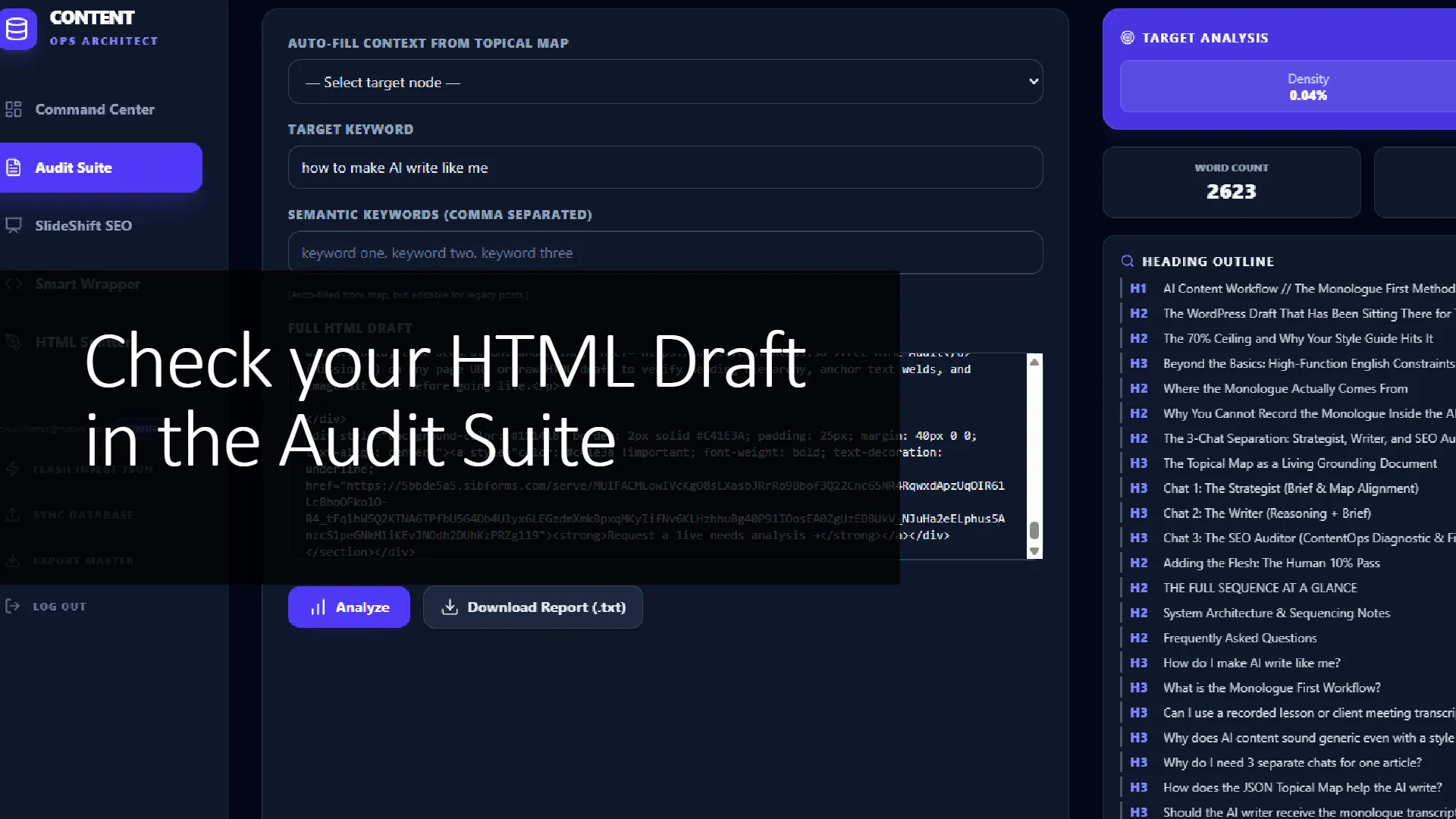
The writing chat’s job is prose, not machine legibility. Once the draft is generated and fleshed out, you wrap it in clean HTML and run it through ContentOps. The Surgical HTML Auditor runs Missions 1 through 3 to diagnose structural heading spines, anchor text welds, and didactic alt text gaps. You export these audit briefs, drop them into Chat 3 along with your HTML draft and JSON Topical Map, and prompt the LLM to implement the exact fixes in raw HTML output.
Adding the Flesh: The Human 10% Pass
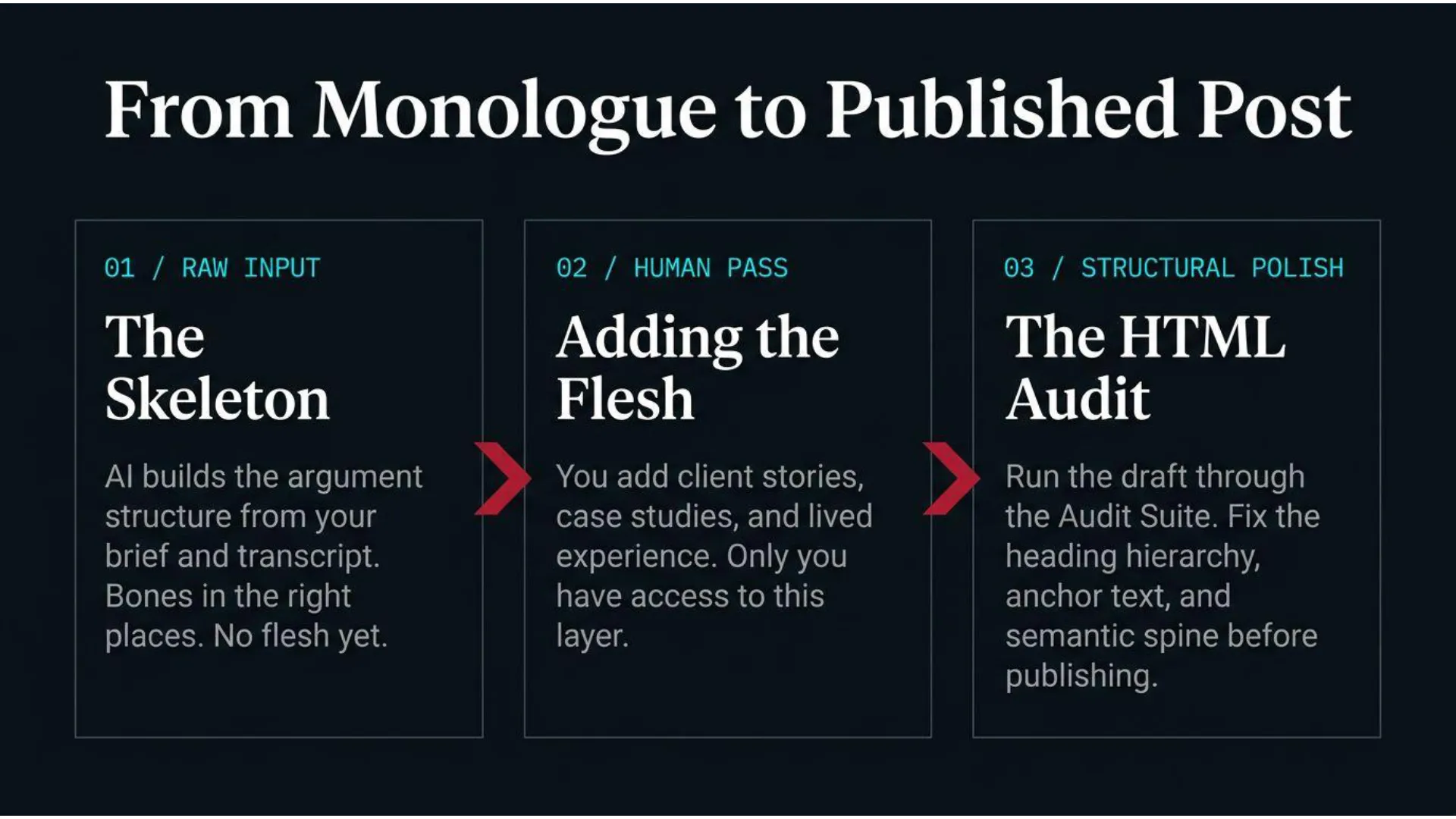
The draft you receive from a grounded Writer Chat running a monologue and brief is a clean skeleton. The bones are in the right places: the argument has a spine, a rib cage, limbs, and a head. The structure is correct and the reasoning follows. But there is no flesh on it yet, and adding the flesh is your job.
Flesh is the Human 10%: your specific client stories, personal case studies, lived examples, witticisms, and unique analogies. Monologues capture spontaneous reasoning rather than exhaustive evidence. During this manual editing pass, you inject the proof points that only you possess.
Think of this pass as the difference between an architectural blueprint and a finished building. The blueprint shows the structure correctly, but you are the only person who can furnish it because you have lived the experience it draws from.
THE FULL SEQUENCE AT A GLANCE
- 1. Record the Monologue (or Lesson Transcript)
Walk, commute, or record away from screens. Speech-to-text running, no script. Talk until the reasoning is fully captured. - 2. Run Through Chat 1 (Strategist)
The strategist reads the transcript and JSON Topical Map payload, producing a content brief with the angle, argument structure, anchor text requirements, and offer hooks. - 3. Send Brief AND Monologue to Chat 2 (Writer)
The grounded writer receives both. It builds from your raw reasoning and style constraints rather than generic internet averages. - 4. Add Flesh to the Skeleton (The Human 10%)
Manually inject client stories, specific case studies, and personal proof. This pass belongs entirely to you. - 5. Wrap in HTML & Run ContentOps Diagnostics
Run the draft through ContentOps (Missions 1–3) to generate structural Fix-It Briefs for heading spines, anchor welds, and didactic alt text. - 6. Execute Fixes in Chat 3 (SEO Auditor)
Pass the HTML draft, audit briefs, and JSON Topical Map into Chat 3. Prompt it to execute the structural fixes and output clean HTML. - 7. Publish & Register Map Links
Paste pre-split HTML into your CMS widgets, attach SlideShift visual assets, resubmit in Google Search Console, and run the Harvester to register links in your map.
System Architecture & Sequencing Notes
This workflow relies on having established grounding documents at the system level before drafting begins. If you do not have grounding documents yet, our Expertise Mapping process is the place to start because it extracts your foundational vocabulary before you try to encode it as a system instruction.
If you already have grounding documents and want to keep them calibrated over time, the Miyagi Method covers the recalibration steps that keep your writer chat from drifting across sessions. To see how to build a persistent StoryBrand grounding report for your AI, review our guide on StoryBrand Calibration for AI Content Writing.
The complete production line that this workflow feeds into is documented in the AI Content Writing System parent hub. This post details one specific step in that manufacturing line—the monologue—so you can implement it independently today.
🧱 THE HINDSIGHT INSIGHT
“Had I recorded my first monologue before buying my first AI writing tool, the draft sitting locked in WordPress would never have been generated.”
“Not because the tool would have done a better job, but because the monologue forces you to think through your angle before asking the AI to write anything. The monologue is not a workaround for weak AI—it is the step that makes AI output worth editing.”
Frequently Asked Questions
How do I make AI write like me?
Making AI write like you requires going beyond style guides and prompt instructions. You must supply your live reasoning about a specific topic before drafting begins. By capturing an unscripted voice monologue and passing the raw transcript alongside your content brief into a grounded LLM chat, the AI builds from your actual reasoning rather than generic internet averages.
What is the Monologue First Workflow?
The Monologue First Workflow is a content creation process where you record a spoken, unscripted monologue about a topic before briefing an AI writer. The transcript captures your unique angle, metaphors, and perspective. When passed into a grounded writer chat alongside a structured brief, the AI writes from your distinct reasoning rather than competitor SERP patterns.
Can I use a recorded lesson or client meeting transcript instead of a monologue?
Yes, absolutely. A live lesson transcript, client coaching call, or recorded consultation where an expert explains a concept to a student or client is equal measure gold to an unscripted solo monologue. It captures spontaneous reasoning, unscripted analogies, and real-time Q&A edge that an LLM cannot replicate on its own.
Why does AI content sound generic even with a style guide?
Style guides teach the AI how you write, but they cannot tell the AI what you think about a specific topic today. Grounding documents create a 70% ceiling of recognizable tone. Reaching authentic 100% authority requires capturing your live perspective through a monologue before the writing pass begins.
Why do I need 3 separate chats for one article?
Separating your workflow into a Strategist Chat, Writer Chat, and SEO Auditor Chat prevents role confusion and cognitive bleed. The Strategist handles angle and brief extraction; the Writer focuses on narrative flow and brand voice; the SEO Auditor executes machine-legibility fixes (Missions 1–3) in clean HTML without diluting the writer’s prose style.
How does the JSON Topical Map help the AI write?
The JSON Topical Map encodes your brand vocabulary, semantic keywords, anchor text option arrays, and commercial offers for every node. Passing this file into your chats forces anchor text discipline, prevents orphan pages, and enables the SEO Auditor Chat to wire internal links with mathematical precision.
Should the AI writer receive the monologue transcript or just the brief?
The AI writer must receive both. The brief outlines what to argue and how to structure the post, while the raw monologue transcript tells the AI how you think—providing the specific analogies, examples, and nuances that make your reasoning unique.
How do I record a monologue without getting stuck?
Record away from screens and AI chat windows while walking or commuting. Use a speech-to-text app that runs continuously. Do not worry about false starts or messy phrasing; raw reasoning is far more valuable to an AI writer than a polished, rehearsed transcript.
Run the Audit Step on Your Next Draft
Run the free HTML Audit (Mission 1) on any page URL or raw HTML draft to verify heading hierarchy, anchor text welds, and image alt text before going live.